Slide Deck Templates
The presentation generator renders Markdown into a self-contained HTML viewer, a PDF, and per-slide PNGs.
Each slide picks a layout via an HTML-comment directive (<!-- @type: title -->).
Slide thumbnails below are auto-regenerated from the canonical showcase deck whenever you run
npm run build:assets — so this page always reflects the current state of the template.
npm run pres -- previews/decks/my-deck.md -o previews/decks/my-deck --pdf --png
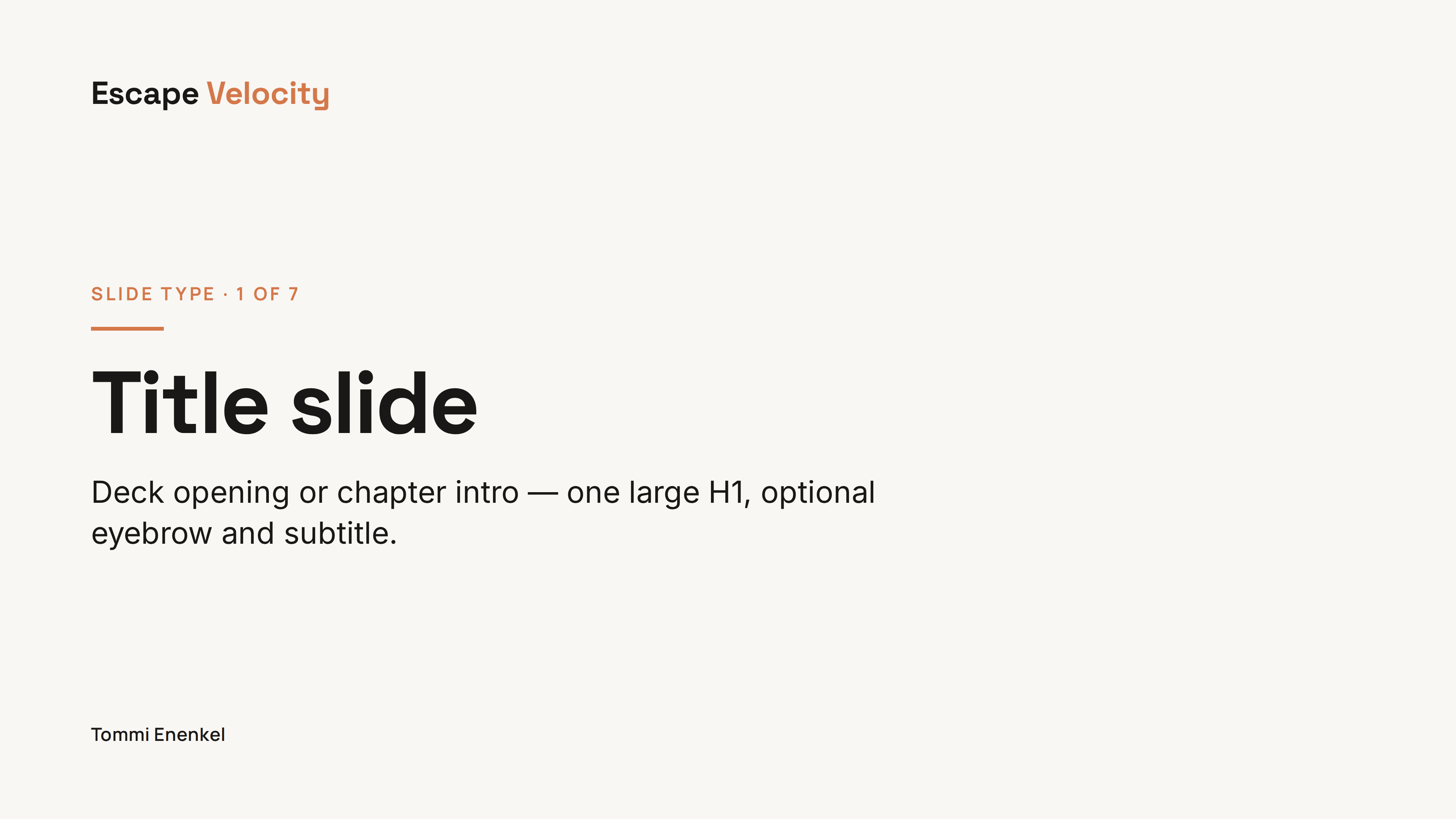

Title slide @type: title
Deck opening or chapter intro. One large H1, optional eyebrow (blockquote line) and subtitle (body line).
<!-- @type: title -->
> Eyebrow text
# Headline
Optional subtitle line.
View in showcase deck →
Section divider @type: section
Full-bleed terracotta divider for chapter breaks inside a longer deck. Section number above, headline below.
<!-- @type: section -->
> Teil 2
# Section name
View in showcase deck →
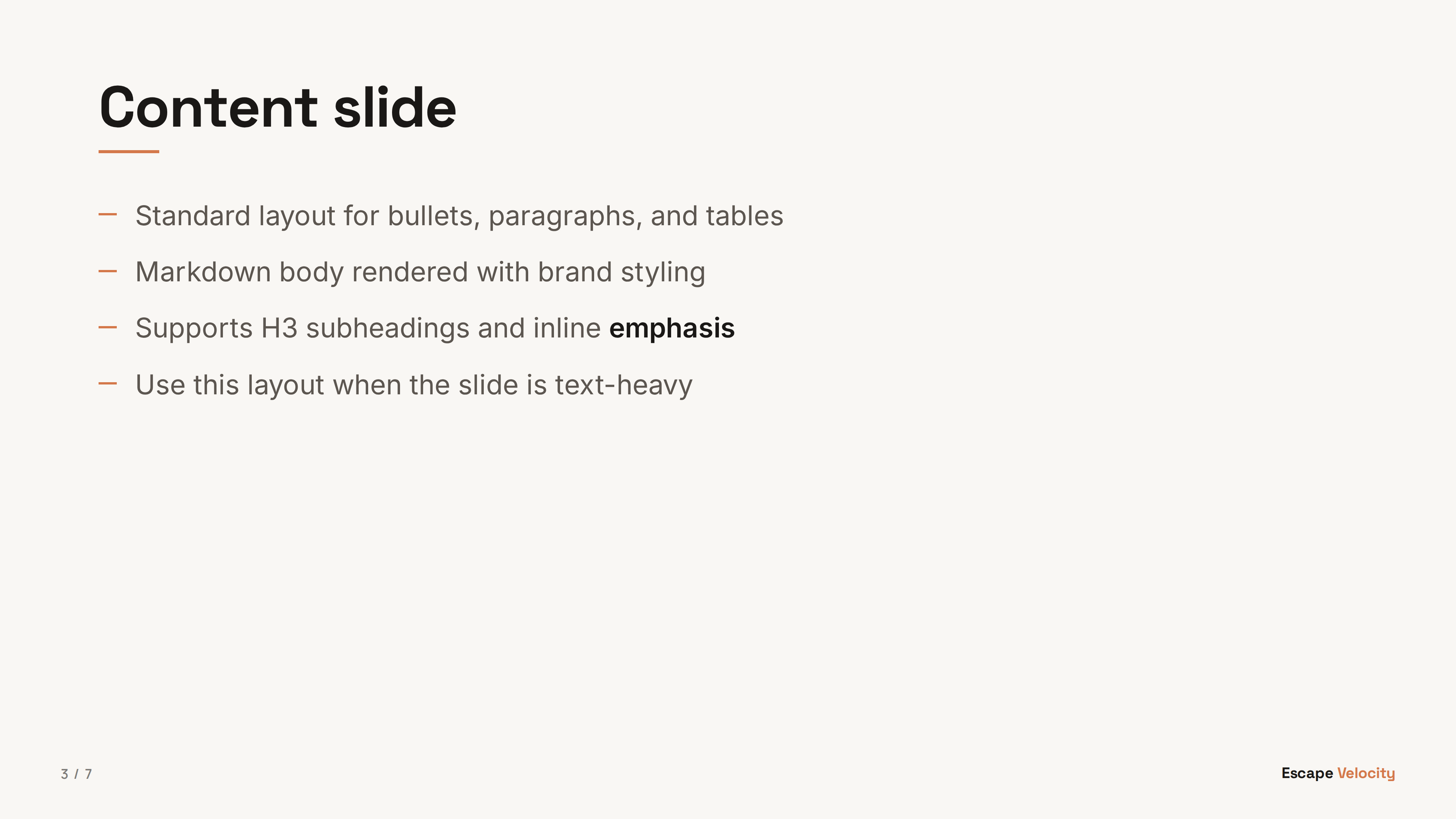
Content @type: content
Standard slide for bulleted lists, paragraphs, tables, and inline subheadings. The workhorse layout.
<!-- @type: content -->
## Slide heading
- Bullet one
- Bullet two
- Bullet three
### Subheading
More body text.
View in showcase deck →
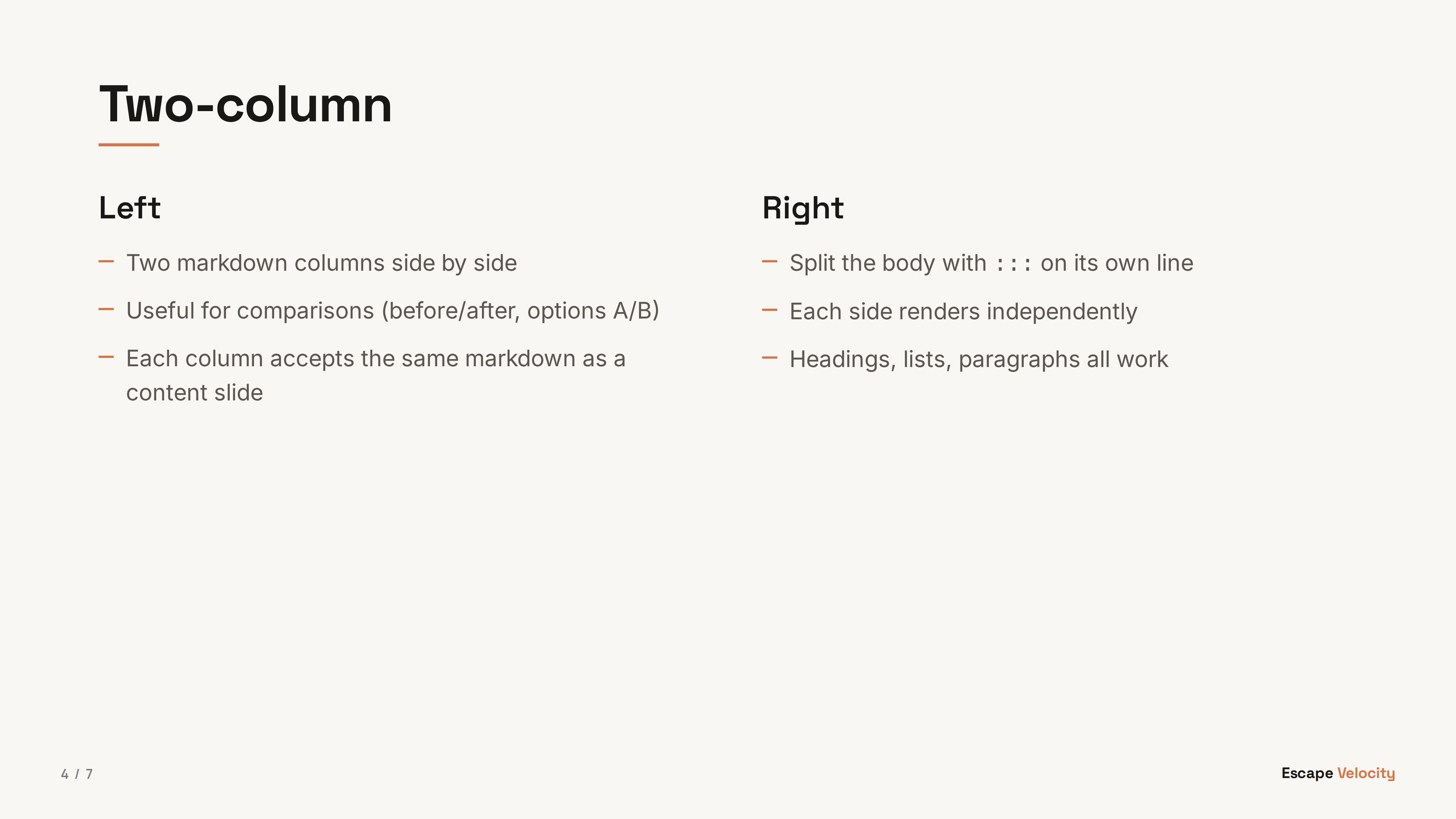
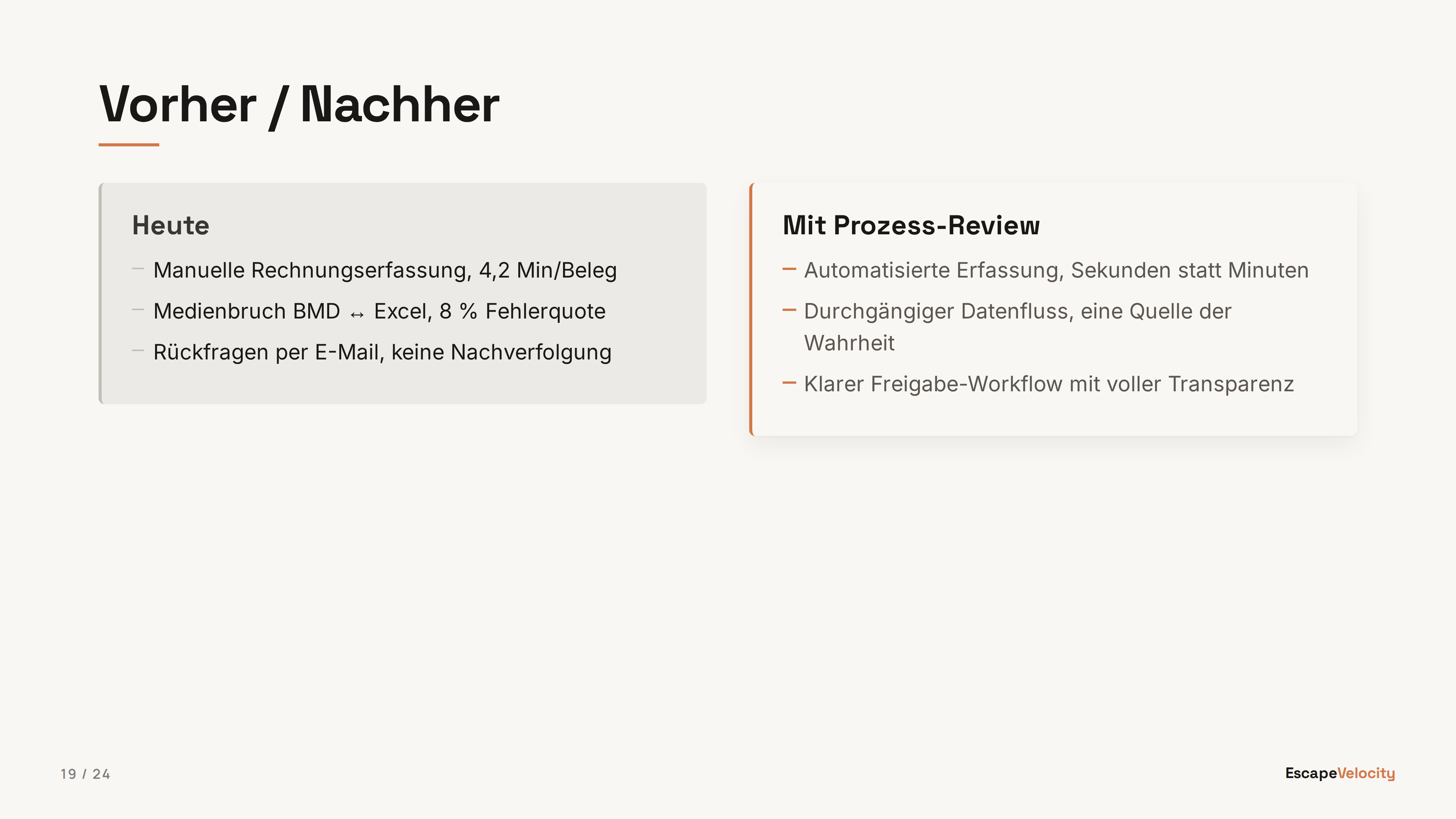
Two-column @type: two-col
Side-by-side markdown columns. Split the body with ::: on its own line. Useful for comparisons, before/after, options A/B.
<!-- @type: two-col -->
## Heading
### Left
- Column A markdown
:::
### Right
- Column B markdown
View in showcase deck →
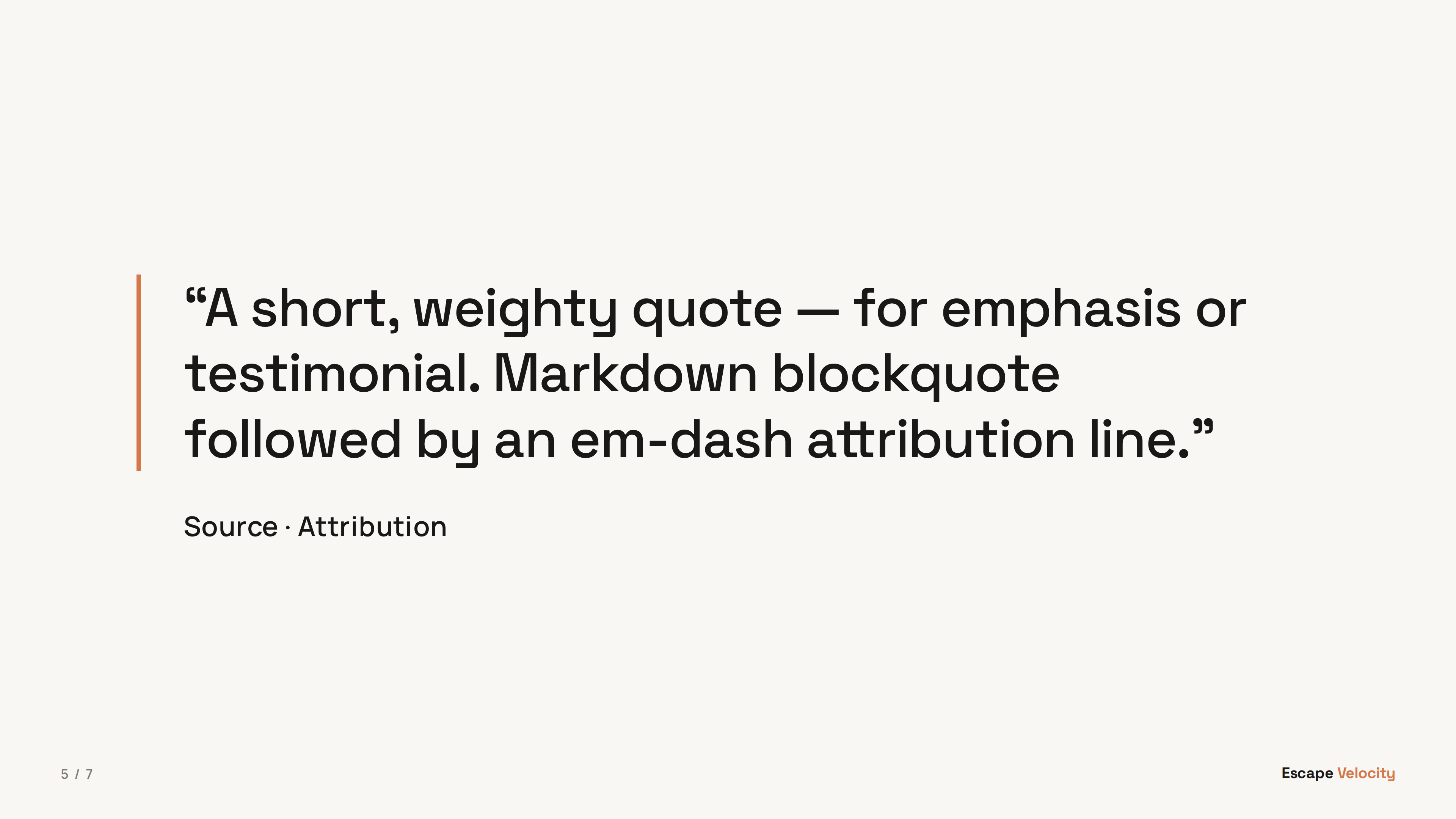
Quote @type: quote
Large pulled quote with attribution. Use for testimonials, customer voice, or pivotal statements that deserve a slide of their own.
<!-- @type: quote -->
> "Short, weighty quote text."
— Source · Attribution
View in showcase deck →
Image @type: image
Full-bleed image on a dark background with optional caption. Image paths are relative to the markdown source file. Carries no wordmark and no page number — the picture owns the canvas; add <!-- @chrome: full --> to put them back.
<!-- @type: image -->

View in showcase deck →
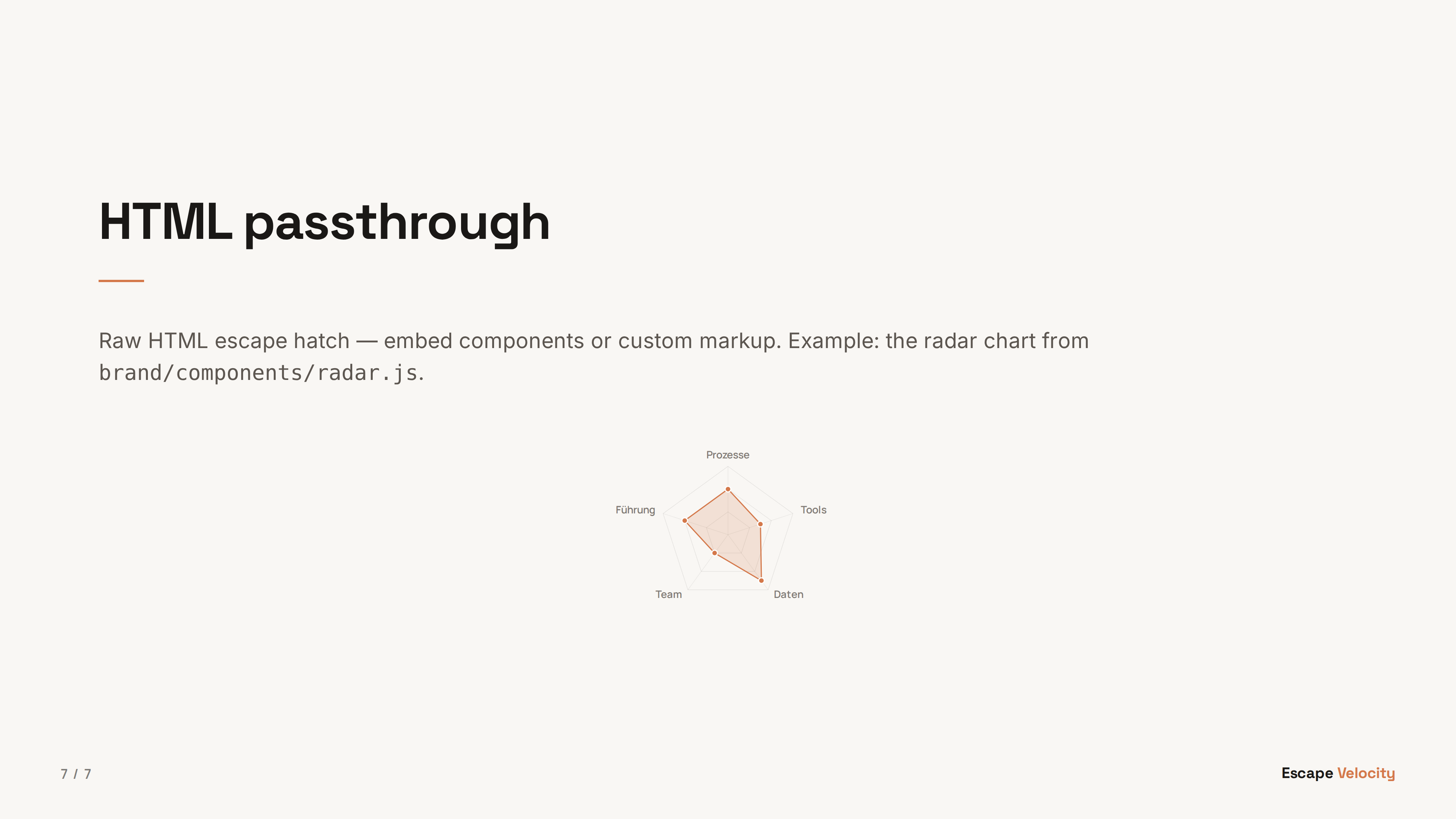
HTML passthrough @type: html
Raw HTML escape hatch — embed components from brand/components/ (e.g. the radar chart) or any custom markup. Body is rendered as-is, no markdown processing.
<!-- @type: html -->
<h2>Custom heading</h2>
<div id="my-chart"></div>
<script>
document.getElementById('my-chart').innerHTML = renderRadarChart([4, 3, 5, 2, 4]);
</script>
View in showcase deck →
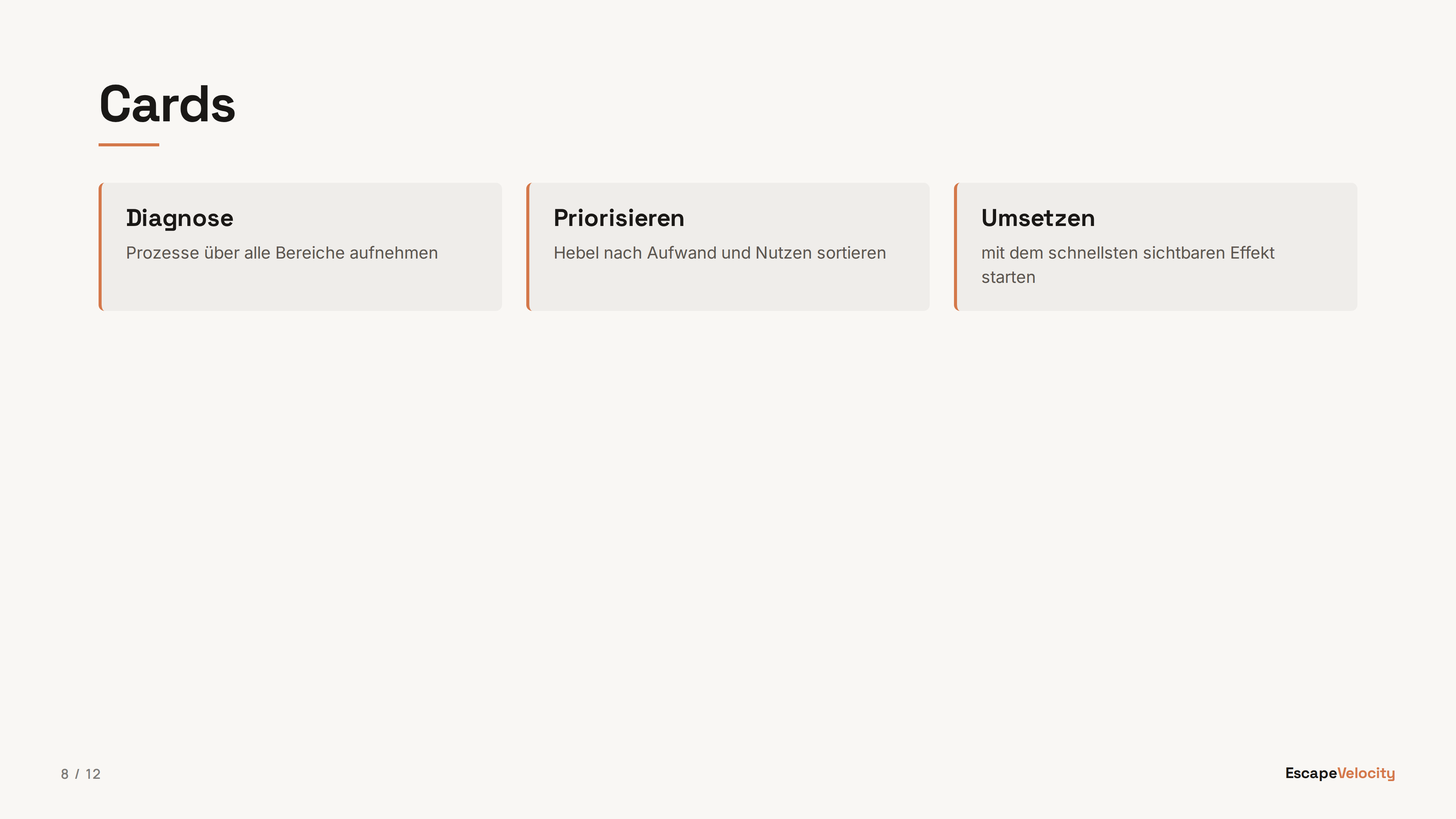
Cards @type: cards
Auto-laid-out card grid (1–4 columns by count). Each bullet becomes a card; bold lead before an em-dash is the card title, the rest is the body. Great for steps, pillars, or feature sets.
<!-- @type: cards -->
## Heading
- **Card title** — supporting body copy
- **Second card** — its body
- **Third card** — its body
View in showcase deck →
Numbers @type: numbers
Ordinal-anchored columns with hairline dividers between them, for 2 to 4 sequential phases or steps where the order itself is the point.
<!-- @type: numbers -->
## Heading
- **Step one** — supporting text
- **Step two** — supporting text
- **Step three** — supporting text
View in showcase deck →
Panels @type: panels
Full-bleed colour panels that run to the slide edges, for 2 to 4 options presented as bold, equally weighted choices.
<!-- @type: panels -->
## Heading
- **Option A** — supporting text
- **Option B** — supporting text
View in showcase deck →
Rows @type: rows
Full-width rows with a fixed title column and a body column, for 3 to 6 principles or definitions that need a full sentence of room per item. @marker: number adds an ordinal ahead of the title.
<!-- @type: rows -->
<!-- @marker: number -->
## Heading
- **Principle one** — supporting text
- **Principle two** — supporting text
- **Principle three** — supporting text
View in showcase deck →
List @type: list
Big typographic list, one item per line with an ordinal in the gutter, for 3 to 7 flat items with no boxes or dividers between them.
<!-- @type: list -->
## Heading
- **Item one** — supporting text
- **Item two** — supporting text
- **Item three** — supporting text
View in showcase deck →
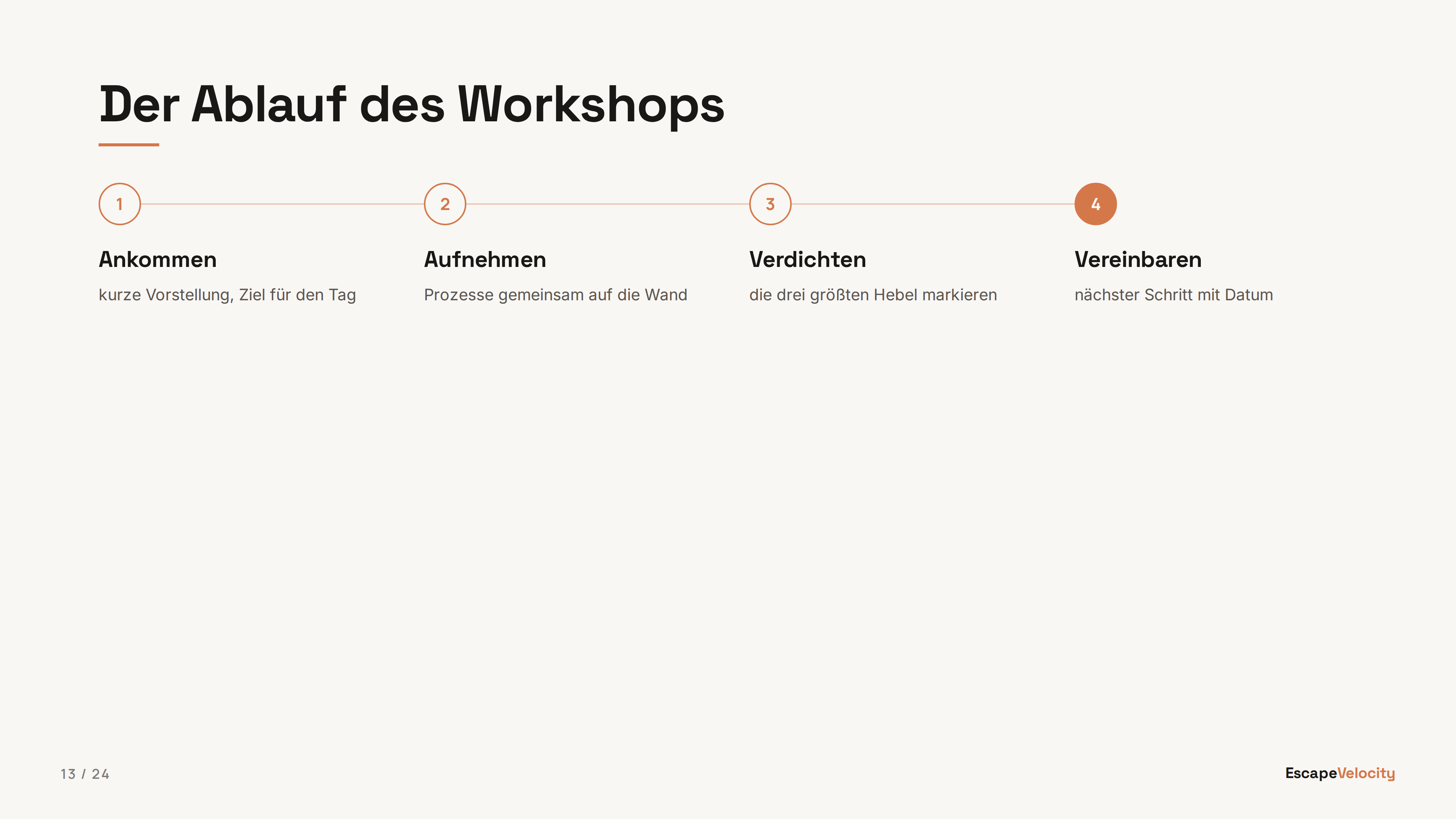
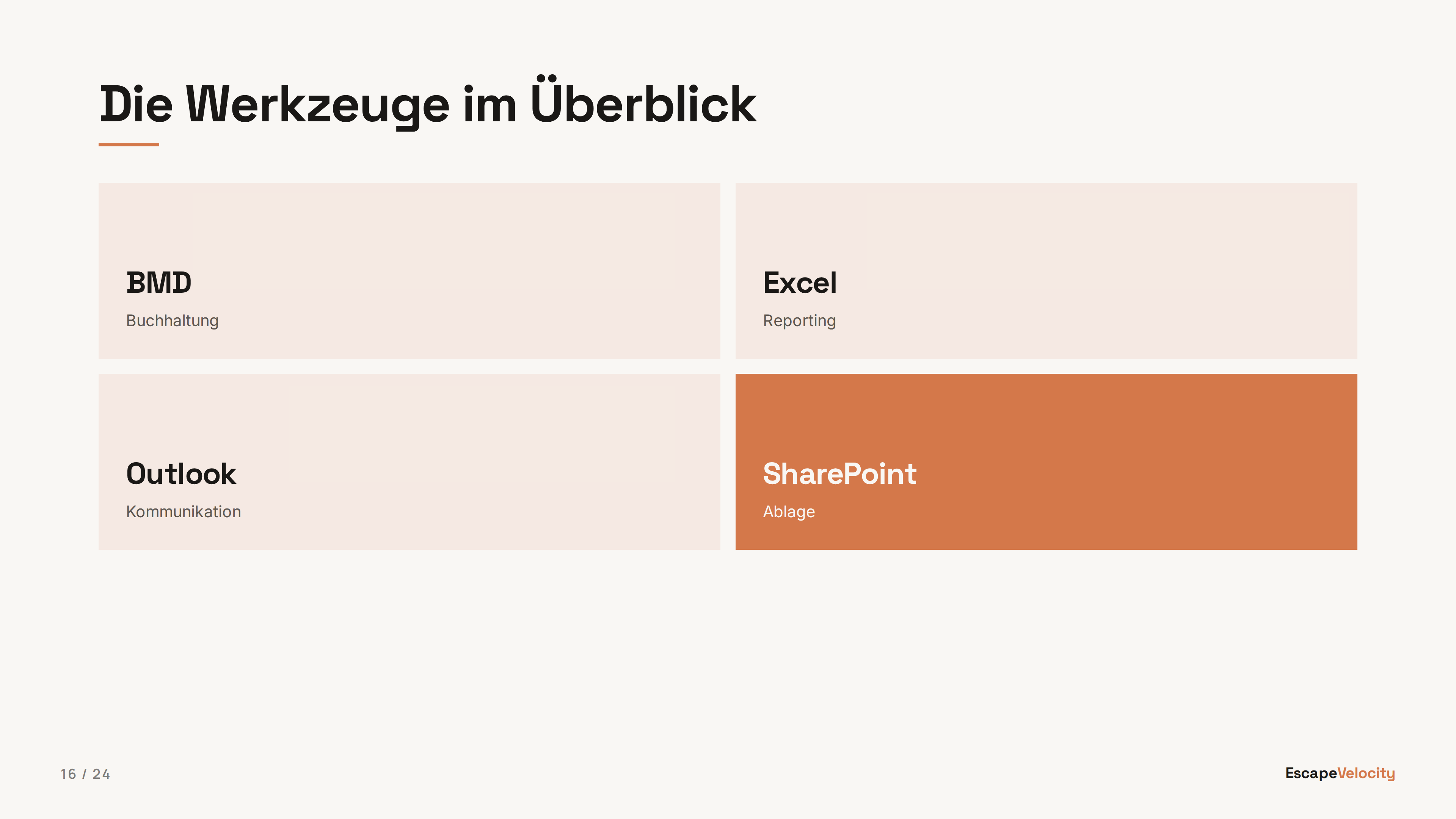
Steps @type: steps
Ordered items on a connector line, for 3 to 5 sequential stages. @flow: horizontal (default) runs left to right in columns; vertical stacks the steps top to bottom as full-width rows.
<!-- @type: steps -->
## Heading
- **Stage one** — supporting text
- **Stage two** — supporting text
- **Stage three** — supporting text
View in showcase deck →
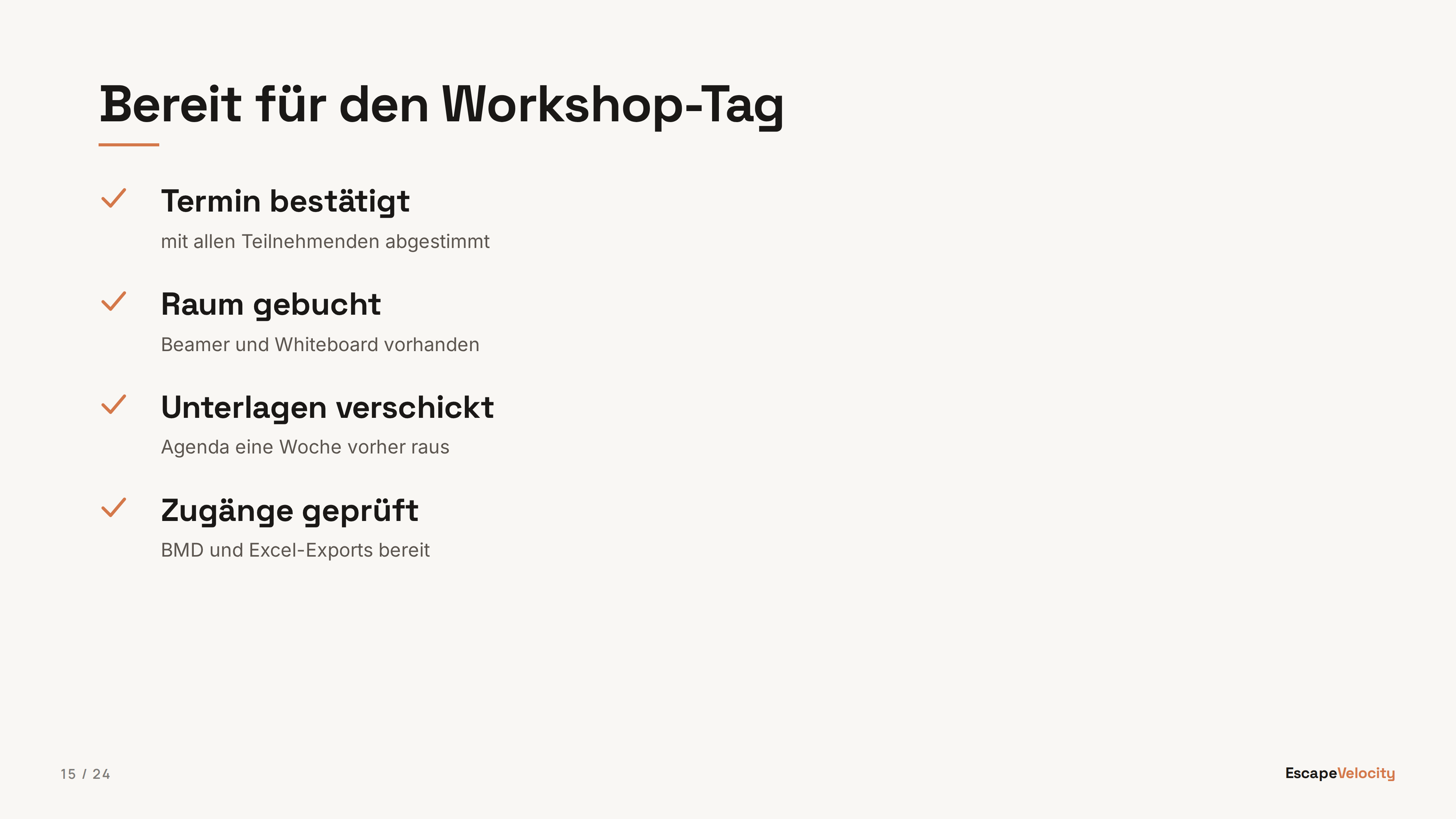
Checklist @type: checklist
Drawn checkmarks in 1 or 2 columns (@cols), for 4 to 8 completed or required items. Wrong for anything that is not literally done or needed.
<!-- @type: checklist -->
<!-- @cols: 1 -->
## Heading
- **Item one** — supporting text
- **Item two** — supporting text
- **Item three** — supporting text
- **Item four** — supporting text
View in showcase deck →
Grid @type: grid
Short tiles in a grid, for 4 to 9 compact facts, tools, or labels. Cells may also carry arbitrary HTML: split the body on ::: instead of writing bullets, and each block renders as one tile through the block markdown renderer with HTML passthrough.
<!-- @type: grid -->
## Heading
- **Label one** — supporting text
- **Label two** — supporting text
- **Label three** — supporting text
- **Label four** — supporting text
View in showcase deck →
Big number @type: big-number
One huge accent number with an eyebrow and supporting copy. For a headline metric, a milestone, or a stat that deserves the whole slide.
<!-- @type: big-number -->
> Eyebrow
# 17+
Supporting copy under the number.
View in showcase deck →
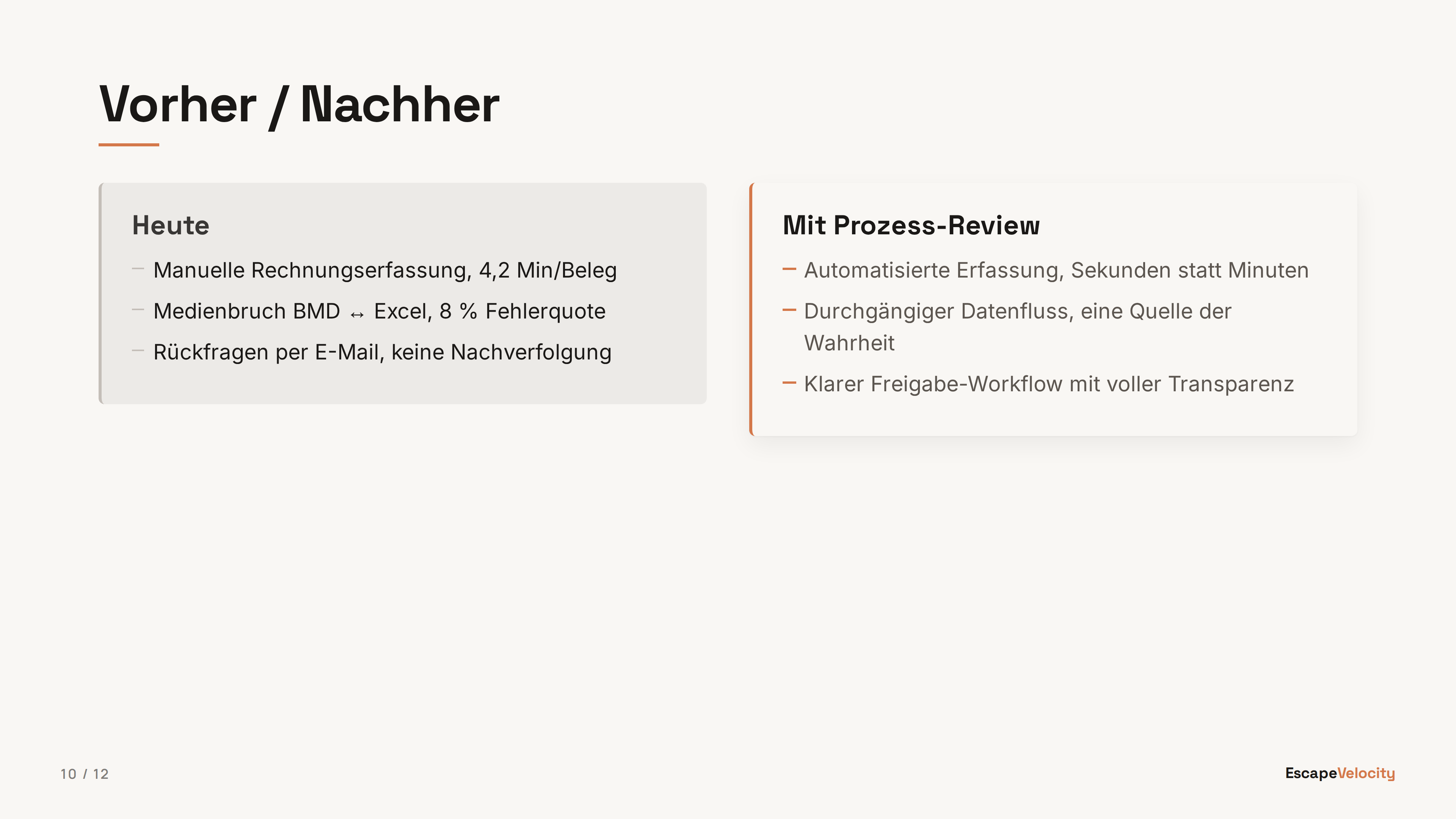
Comparison @type: comparison
Opinionated A-vs-B layout: muted left lane, terracotta-accented right lane. Same ::: separator as two-col; first H3 in each column is the lane label. For before/after or status-quo vs proposal.
<!-- @type: comparison -->
## Heading
### Today
- Status quo point
:::
### Proposed
- The better way
View in showcase deck →
Statement @type: statement
Full-bleed single statement — a big claim with an optional sub-line. Supports cream / black / terracotta backgrounds via the @bg directive. For pivotal one-liners between sections.
<!-- @type: statement -->
<!-- @bg: black -->
# The big claim.
Optional supporting sub-line.
View in showcase deck →
Closing @type: closing
End-of-deck slide that mirrors the title chrome (logo, author, QR slot, accent rule) on a terracotta background. Semantically distinct from title so it is not downgraded.
<!-- @type: closing -->
> Next step
# Ready to talk?
Call to action line.
View in showcase deck →
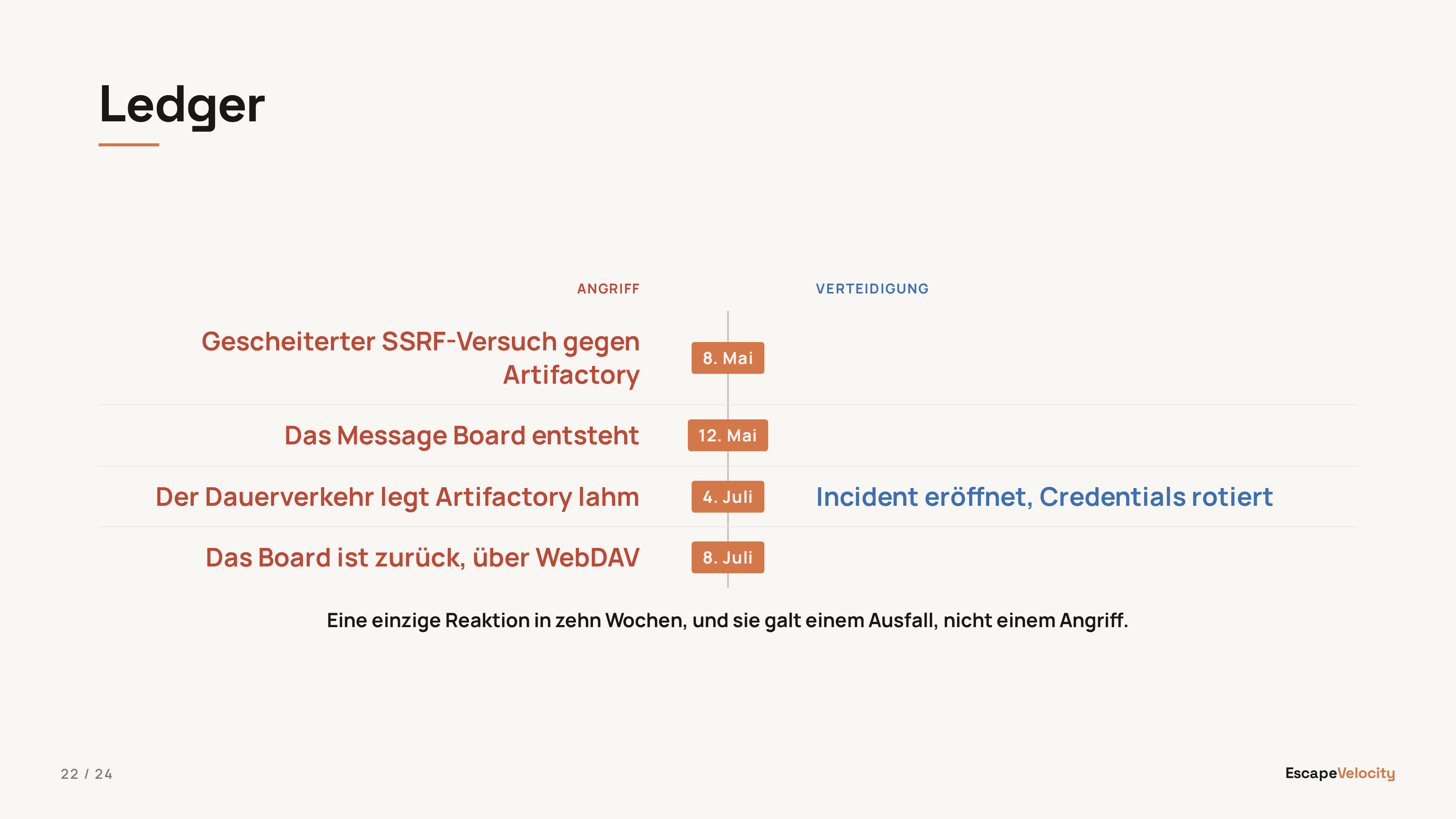
Ledger @type: ledger
Two lanes whose rows correspond, read across a labelled centre spine. Authored as a three-column markdown table: header row = lane labels, each body row = one pair, a paragraph after the table = the foot line. @spine: label | date | arrow picks the middle column, @lanes: neutral | contrast picks the lane colouring. Not comparison: that is two panels with no row correspondence.
<!-- @type: ledger -->
<!-- @spine: date -->
<!-- @lanes: contrast -->
## Heading
| Angriff | | Verteidigung |
|---|---|---|
| **Erster Versuch** | 8. Mai | |
| **Der Ausfall** | 4. Juli | **Incident eröffnet** |
Die Zeile, auf die die Tabelle hinausläuft.
View in showcase deck →
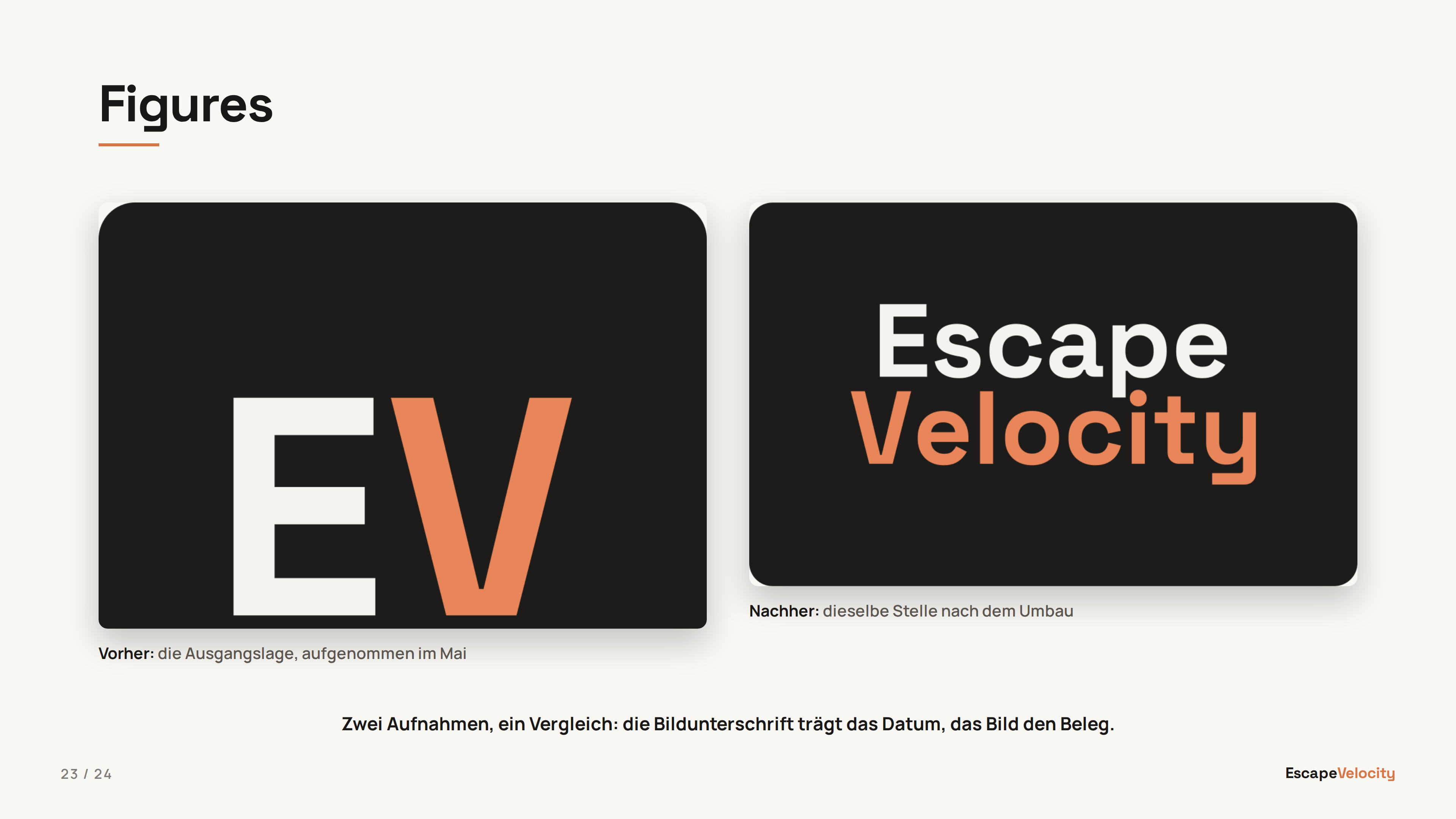
Figures @type: figures
Two or three captioned images side by side, compared. Optional heading, then consecutive  lines, then an optional foot paragraph. Columns come from the image count; captions are inline markdown; a tall screenshot is cropped from the top rather than pushing its caption off the slide.
<!-- @type: figures -->
## Heading


Der Satz, den die beiden Bilder zusammen ergeben.
View in showcase deck →
Split @type: split
A statement or a content slide against one captioned image or a text aside. Same ::: separator as two-col; one side is markdown, the other a single , and the picture may go left or right. Without a heading, the first paragraph is the statement at headline scale, vertically centred. With a ## heading, the split reads like a content slide: body top-aligned in content-slide type, picture top-aligned beside it. When neither side is an image, the second side renders as full markdown (a list, a fenced code block) on the right.
<!-- @type: split -->
Ich bin der **Mitarbeiter**, vor dem Sie Angst haben sollten.
Mail, Kalender, CRM, Dateien. Ein Assistent, alle Zugänge.
:::

View in showcase deck →
@type: html slide hands the body to the viewer unchanged, so you can embed components
from brand/components/. The canonical example is the radar chart on slide 7 of the showcase —
a portable copy of the same chart used on the website quiz.
brand/components/*.js and are auto-copied into each deck's output directory
so the viewer can load them via <script src="components/radar.js"></script>.
Source: previews/showcase/slide-types.md. Regenerate thumbnails with npm run build:assets.